

Let's face it: we all want to stay connected to our partners, especially when life gets busy. Whether you're just trying to make sure they're safe or you're coordinating your day, sometimes it's helpful to know where your loved one is, especially when you’re both using different phones. If you're an iPhone user and your partner’s on Android, tracking their phone might seem tricky. But trust me, it’s actually pretty easy.
In this post, we’ll walk through some super simple ways to track an Android from your iPhone. We’ll keep it real and easy to understand, no complicated tech jargon here.
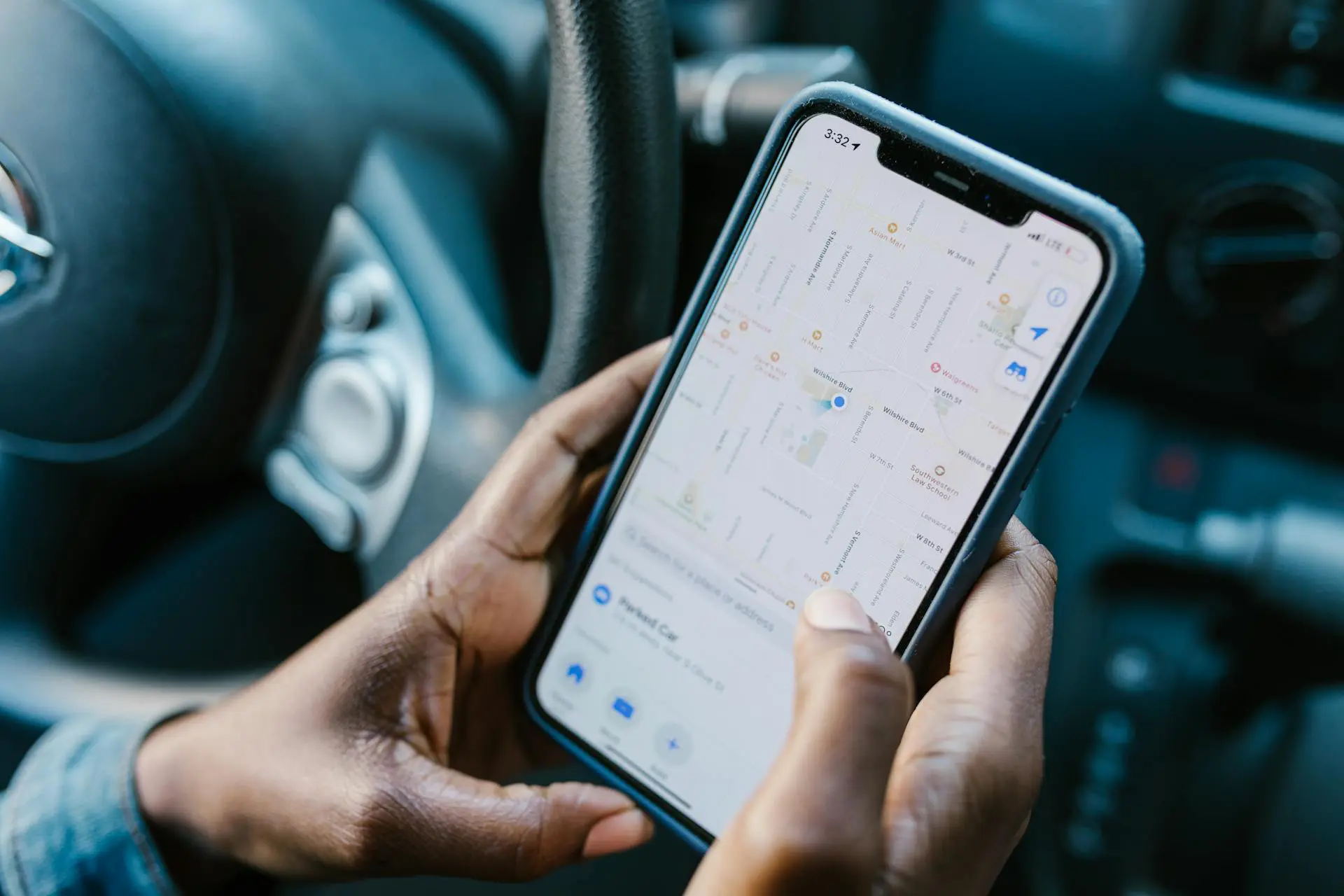
1. Use Google’s Find My Device – The Easiest Way
If you just want to check in on your partner’s location from time to time, Google’s Find My Device is a really simple and free option. Even though it’s made for Android, you can access it from your iPhone using a browser. No need for extra apps or complicated setups.
How to Track an Android Using Google Find My Device
1. Open Safari or any other browser on your iPhone.
2. Go to Google Find My Device.
3. Sign in with the Google account linked to your partner’s Android phone.
4. Once logged in, you’ll see a list of devices connected to that account. Just pick the Android phone you want to track.
5. You can now see the phone’s location on the map.
This method is quick, and it works as long as Find My Device is turned on in your partner’s Google settings. If you want to get more detailed (like ringing the phone, locking it, or erasing data), you can do that too—though, hopefully, that won’t be necessary!
2. Using SpyPhone – The Most Reliable Tracker for Couples
Now, if you’re looking for something more advanced that gives you more than just location tracking—maybe you want to see their call logs, messages, or even track their real-time location—then SpyPhone is hands down the best choice for couples. It’s an app designed to track Android devices, and it works great if you want a more complete solution without all the hassle.
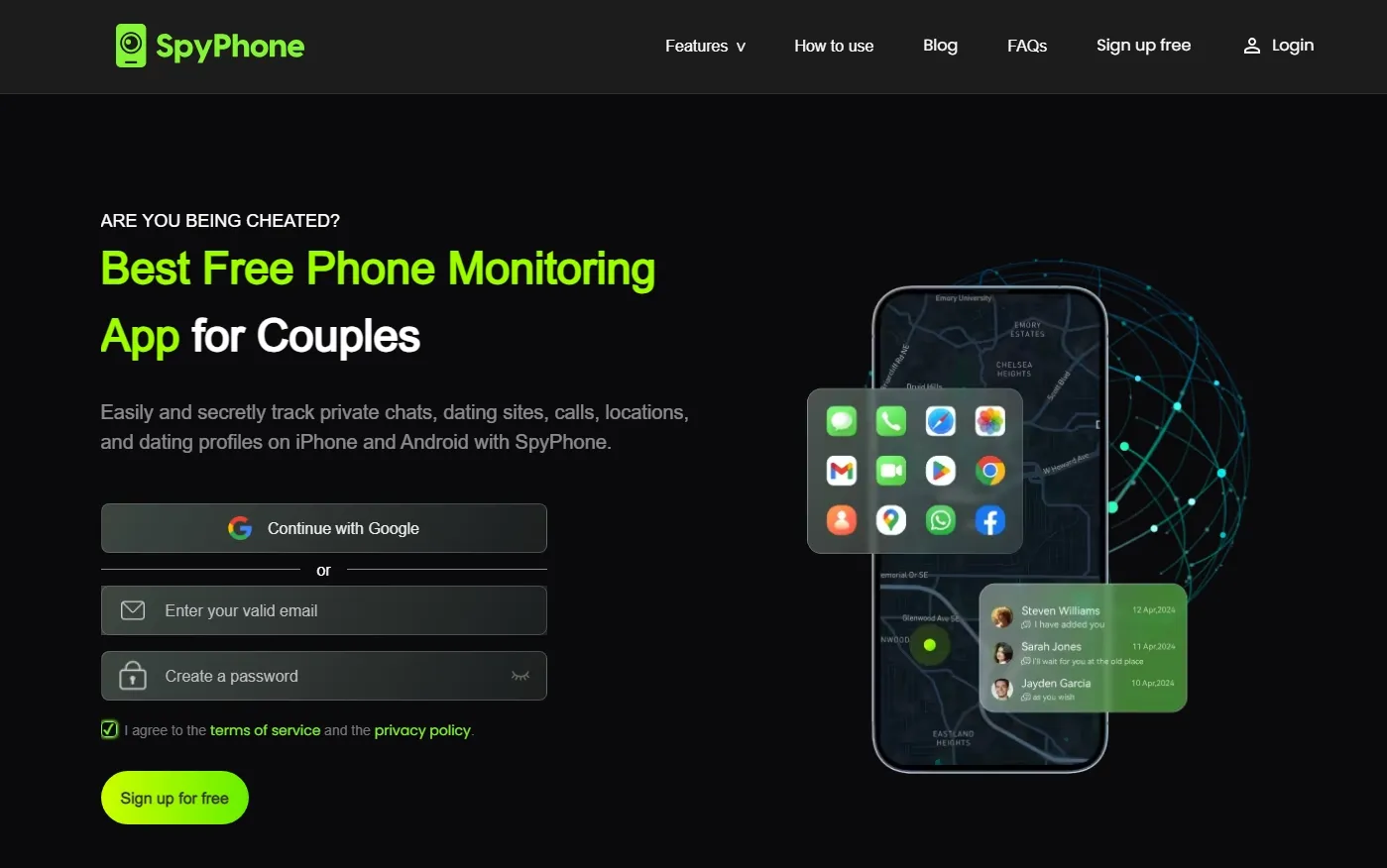
Why SpyPhone is Perfect for Couples
● It’s super reliable and discreet, so you don’t have to worry about your partner finding out.
● You can track their real-time location, check messages, calls, and even social media activity.
● The app works smoothly on both Android and iPhone, so you won’t have to jump between different apps or platforms.
How to Track an Android Using SpyPhone:
Step 1. Sign Up for a SpyPhone Account
The first step is to create a SpyPhone account on their website. This will give you access to the tracking features.
Step 2. Connect the Target Android Phone to SpyPhone
● If you have physical access to the Android phone, you can install the SpyPhone APK directly onto the device. This takes just a few minutes and runs discreetly in the background.
● If you don't have physical access, you can use the Google credentials associated with the Android phone to connect it to SpyPhone remotely. This allows you to track the device without needing to install anything directly on it.
Step 3. Log in from Your iPhone
After setting everything up, open Safari or any browser on your iPhone and log into your SpyPhone account. You'll be able to access the tracking dashboard.
Step 4. Start Tracking
Once you're logged in, you can begin monitoring your partner’s phone. You’ll be able to view real-time location, check call logs, read text messages, and even see app activity—all from your iPhone. You can access most functions for free, giving you full control right away.
3. Share Your Location on WhatsApp
Sometimes, the simplest solutions are the best. If you and your partner are already using WhatsApp, you can easily share your location with each other. WhatsApp’s location sharing feature works on both Android and iPhone, and it’s perfect for those moments when you just want to know where your partner is in real-time.
How to Track an Android Using WhatsApp
1. Install WhatsApp: Make sure both you and your partner have WhatsApp installed on your phones.
2. Open a chat: Start a conversation with your partner.
3. Share your location: Tap the attachment icon (the little paperclip) in the chat, then choose “Location.” After that, select “Share Live Location.” Your partner can do the same.
4. Track the location: Once your partner shares their live location, you’ll be able to see exactly where they are on a map in the chat.
This is a free and easy way to track your partner, especially if you're just checking in or making sure they’re not stuck in traffic. Just remember that the location sharing stops after a set amount of time, so if you want to keep checking in, you'll need to share again.
4. Google Maps: Another Simple Way to Share Locations
If WhatsApp isn’t your thing or you want a more long-term solution, Google Maps offers a solid location-sharing feature that’s easy to set up and use. And because Google Maps works on both Android and iPhone, it’s a perfect cross-platform option.
How to Track an Android Using Google Maps
1. Share Location on Google Maps:
On your partner’s Android phone, open Google Maps, tap the profile icon, and select “Location Sharing.” Then, choose to share their location with your Google account or directly with your iPhone.
2. View on Your iPhone:
Open Google Maps on your iPhone, and log in with the same Google account your partner shared their location with. Now, you’ll be able to see their real-time location on the map.This method works great for couples who want to stay in touch throughout the day. You can check in on your partner whenever you want without needing to bother them for updates.
Why Choose SpyPhone to Track Andorid Phones from an iPhone?
SpyPhone is the best choice for phone tracking and monitoring, offering a comprehensive set of features all within one app. Whether you're a concerned parent or business owner, SpyPhone allows you to monitor activities discreetly and effectively.
● Call Monitoring: SpyPhone allows you to track incoming and outgoing calls, providing detailed information about the phone numbers, call duration, and timestamps. You can listen to recorded calls, ensuring you’re always aware of who your child or employee is communicating with.
● GPS Location Tracking: With real-time GPS location tracking, you can pinpoint the device's exact location at any time. This feature is perfect for monitoring the whereabouts of your loved ones or ensuring your employees are at the right place during work hours.
● Text Message Monitoring: SpyPhone enables you to read all text messages, including deleted ones. It tracks both SMS and messaging app conversations, giving you full insight into who is texting your child or employee, what they are talking about, and when it happens.
● Social Media Monitoring: This feature helps you monitor popular social media platforms like Facebook, Instagram, and WhatsApp. You can track messages, posts, photos, and videos, ensuring there’s no inappropriate or dangerous online behavior happening.
● Browser History Tracking: SpyPhone records the websites visited by the target device, including timestamps. This feature provides a clear view of online activity, helping you identify any dangerous or suspicious websites being accessed.
● Keylogger Function: SpyPhone includes a keylogger function, which records all keystrokes typed on the target device. This allows you to capture usernames, passwords, and any other sensitive information typed by the device user, ensuring that you stay informed about any hidden activities.
Is Tracking Phones a Good Idea for Couples?
Tracking your partner’s phone can be a great way to stay connected, but it’s important to approach it with respect. If you're in a healthy relationship, trust is key, and phone tracking should always be something both partners are comfortable with.
Here are some tips for using phone tracking responsibly in a relationship:
● Talk about it: Be upfront with your partner about why you want to track their phone and get their consent. It’s all about keeping the relationship transparent.
● Use it to stay connected, not control: Tracking should never be about controlling or spying on your partner. It’s just a way to stay safe and connected, especially when life gets busy.
● Respect privacy: Even though you're tracking their phone, give your partner space. Everyone needs a little bit of privacy, and that should be respected in a healthy relationship.
Tracking can be a tool for reassurance, not a way to keep tabs on every moment of your partner’s life. It’s about creating peace of mind, not causing stress.
Final Thoughts
Tracking an Android from an iPhone is easier than you might think. Whether you're using Google Find My Device for basic location tracking, SpyPhone for more detailed information, or apps like WhatsApp and Google Maps to stay connected, there are plenty of simple options for couples. The key is finding what works best for you and your partner’s needs.
Just remember, the goal isn’t to invade privacy—it’s to stay close, stay safe, and keep your relationship strong. As long as you communicate openly and honestly, tracking each other’s phones can be a useful and loving way to stay connected in today’s busy world.
So, go ahead, pick a method that works for you, and enjoy the peace of mind that comes with knowing where your partner is when you need it most.